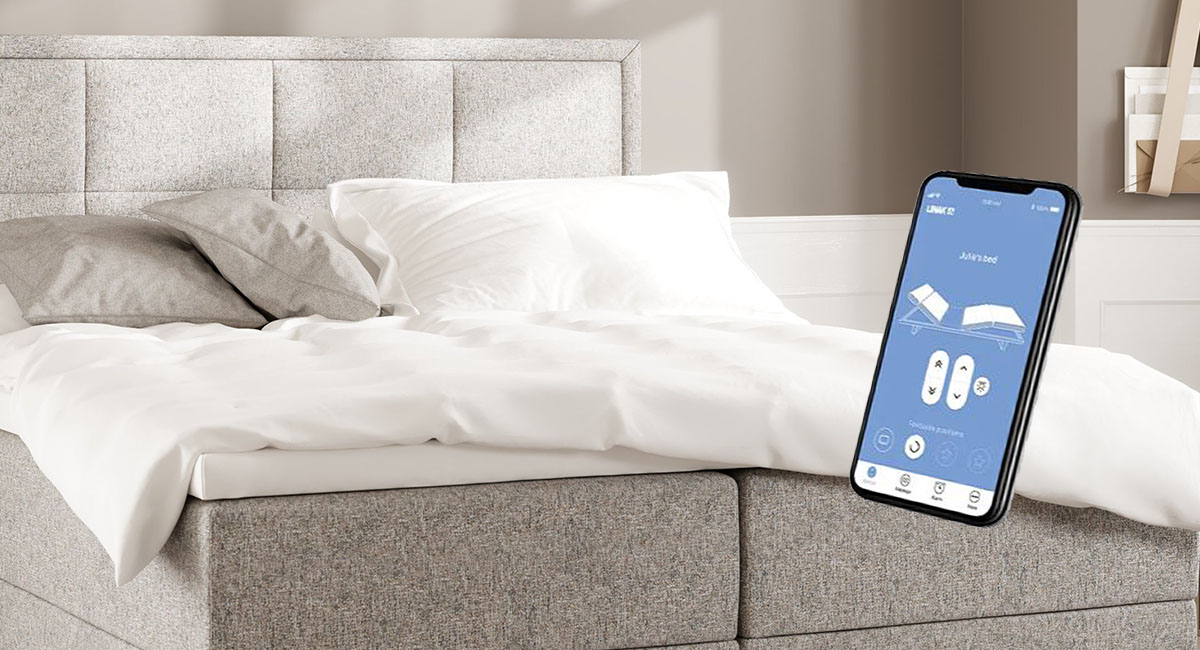
With the BED CONTROL APP you can adjust the bed with your mobile or tablet.
The app includes the same functions as the remote control. In addition, you’ll find extra features in the app (available for bed models using the HC Frame Standard or Advanced remote controls).
Connect your bed to the app:
- Download the BED CONTROL APP from the App Store or Google Play.
- Unplug the bed’s power cable and wait for about one minute.
- Plug the cable back in. A light on the motor (under the bed) will start to blink, which means it’s ready to connect.
- Open the app and simply follow the on‑screen instructions.
| App functions | 342, 422 | 612 | 613 |
|---|---|---|---|
| Adjustable sections | Back, leg | Back, leg | Neck, back, leg |
| Save positions | – | ✓ | ✓ |
| Sleep timer | – | ✓ | ✓ |

